How to Pay
How to Pay 💳
Bayad via GCash, Maya, BPI, or MariBank — scan, send, and get your spreadsheet.
Fast, secure, at walang hassle. ✨
Fast, secure, at walang hassle. ✨
1️⃣
Place your order
Add your spreadsheets to cart and check out. You’ll get an Order number — tandaan mo ito.
2️⃣
Scan & pay
Scan any QR below with your app. Use your Order number as the payment note/reference.
3️⃣
Send proof
Screenshot your payment and send it with your Order number. We email your download link within a few hours. 🎉
Scan to Pay 📲
Pumili ng isa — GCash, Maya, BPI, o MariBank. Lahat ito InstaPay/QR Ph.
GCash
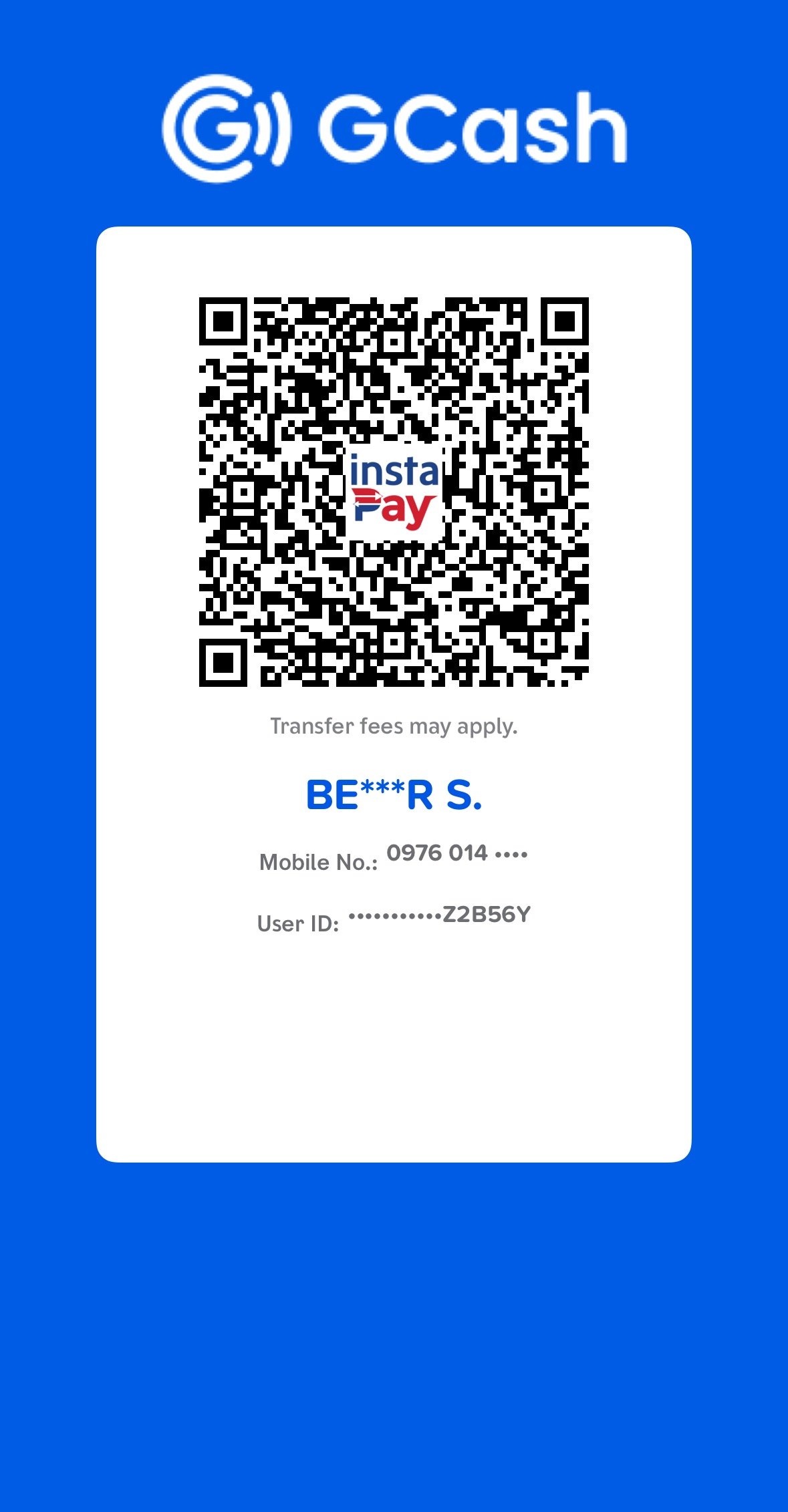
BENZAR S.
0976 014 5747
Maya
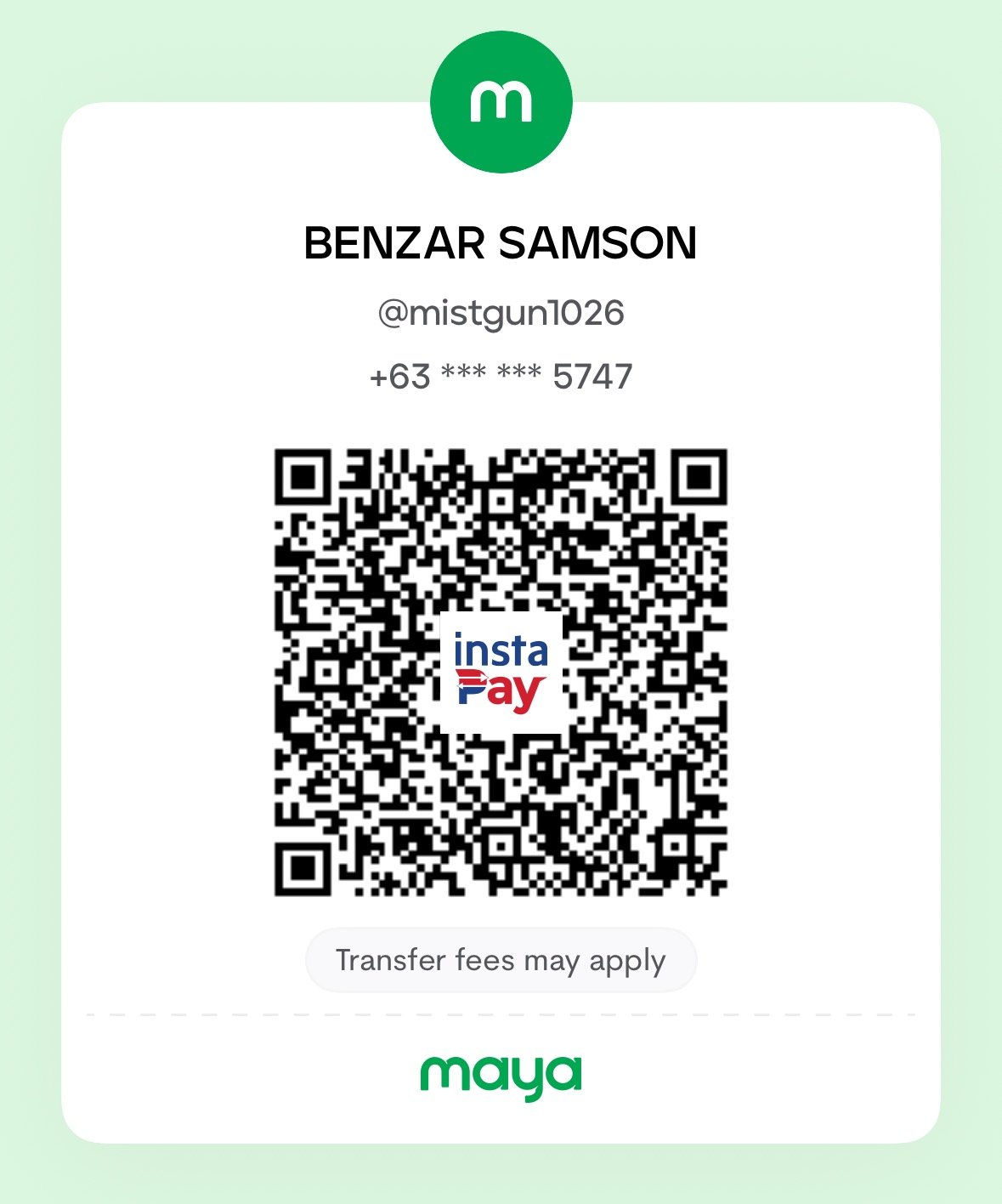
BENZAR SAMSON
0976 014 5747
BPI
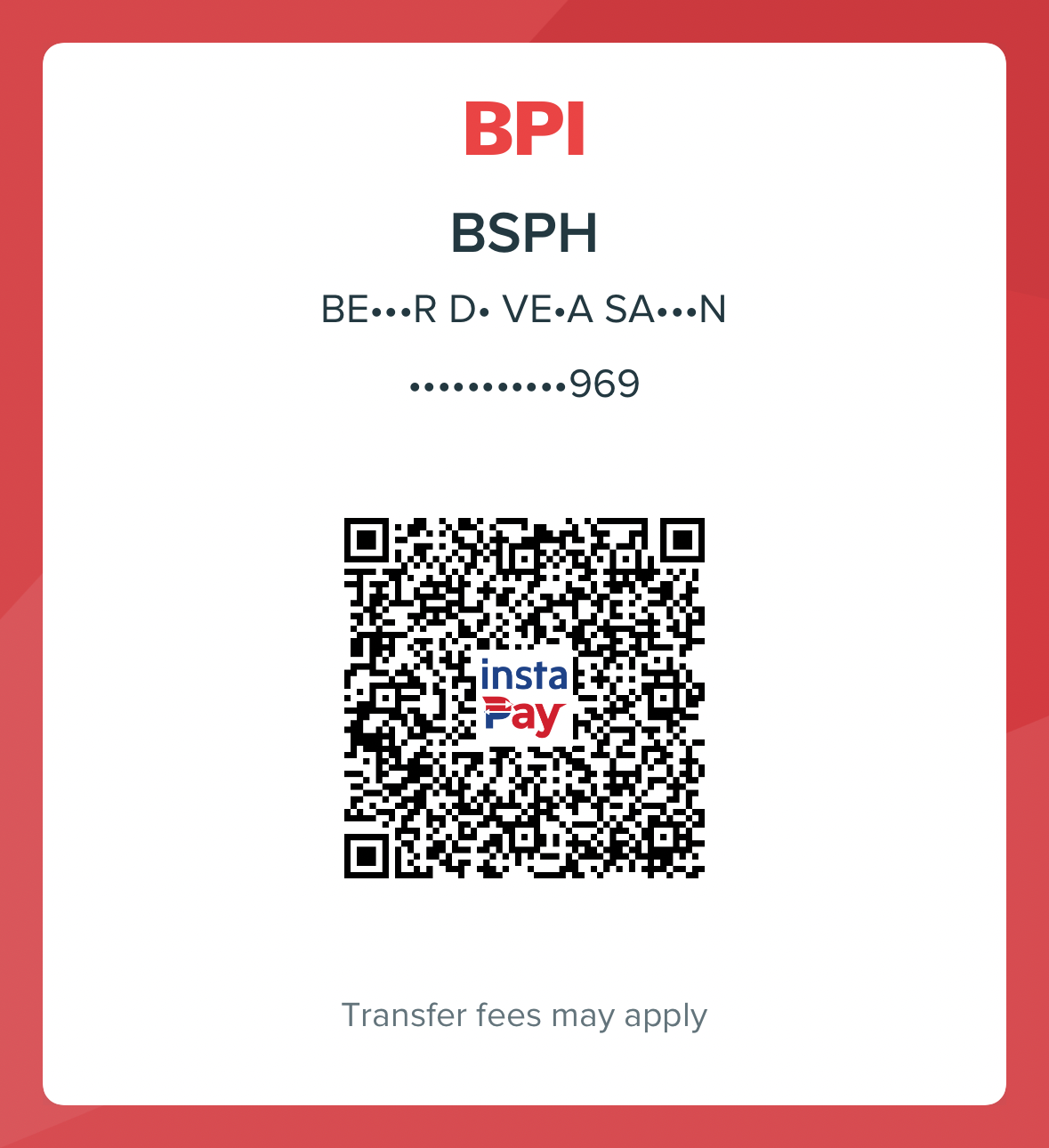
BENZAR DE VERA SAMSON
Scan QR via any InstaPay app
MariBank
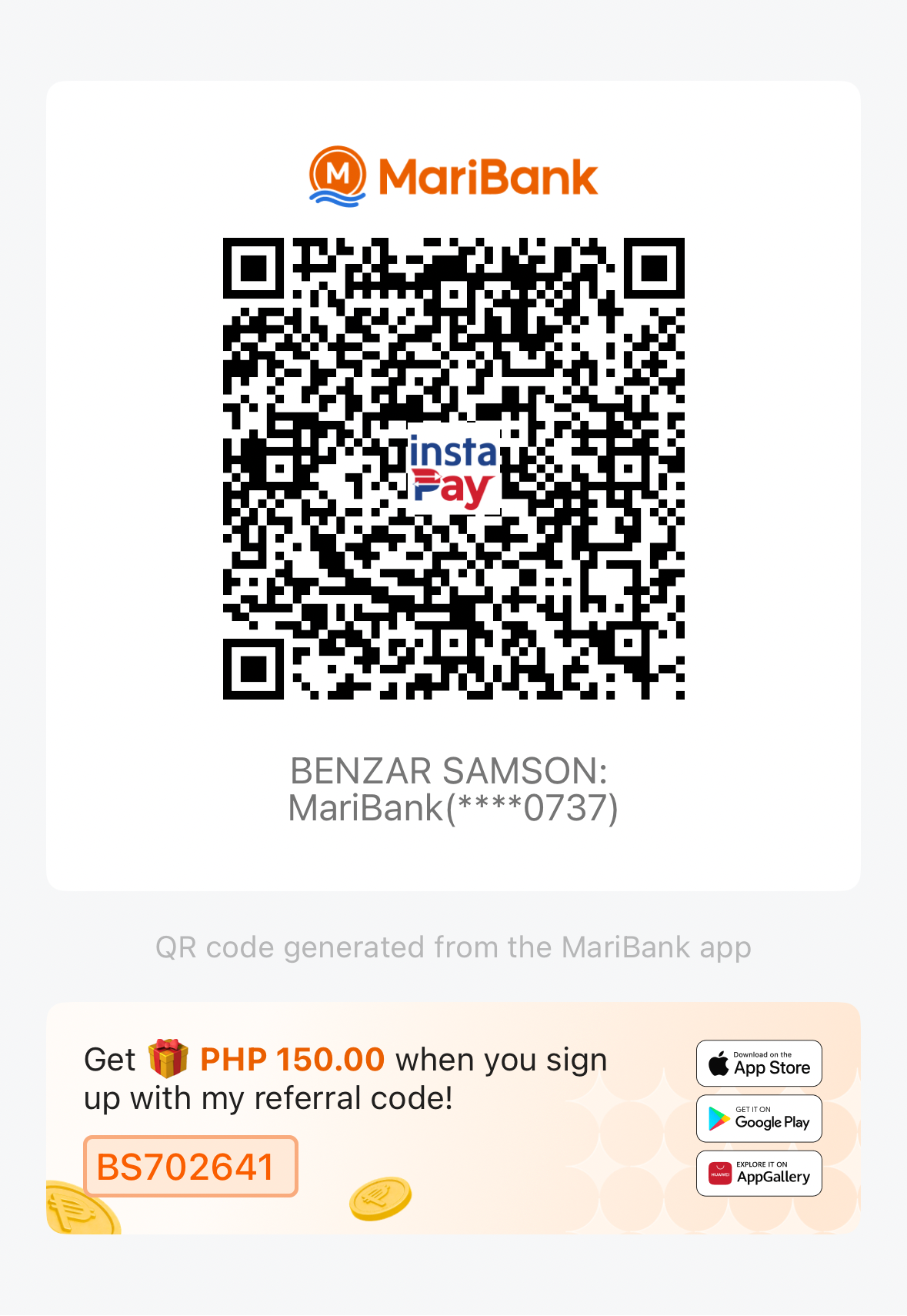
BENZAR SAMSON
MariBank • ****0737
📩 After paying, send your proof
Screenshot your payment and send it together with your Order number to:
✅ Email: support@budgetsheetsph.com
✅ Facebook: BudgetSheets PH (message us)
✅ Facebook: BudgetSheets PH (message us)
Once confirmed, we’ll email your spreadsheet download link/s — usually within a few hours. Salamat! 💚
Quick reminders
• Always use your Order number as the payment reference so we can match it fast.
• The name/number on the QR is the same account — you can pay from GCash, Maya, or any InstaPay bank app.
• Digital products lang ito (spreadsheet templates), kaya walang shipping — pure download after payment.
• May tanong? Message us anytime sa Facebook or email. We’re happy to help. 😊
• The name/number on the QR is the same account — you can pay from GCash, Maya, or any InstaPay bank app.
• Digital products lang ito (spreadsheet templates), kaya walang shipping — pure download after payment.
• May tanong? Message us anytime sa Facebook or email. We’re happy to help. 😊